Translate: one click, every language
A Translate button beside each translatable text field fills the site’s other languages in one click. The result is stored, labelled and ready to review.
Every Abluo site is multilingual from the start. Until now, though, the second language still had to be typed by hand or pasted in from somewhere else. The new Translate module removes that step.
How it works
When the module is switched on for a site, a Translate button appears beside each translatable text field in the editor. One click fills the site’s other languages from the source text. It only fills languages that are empty or still hold an untouched machine translation. Text someone wrote or corrected by hand is never overwritten.
Stored, not translated on the fly
The translation is saved with the content. Visitors never trigger a call to a translation service, and every language keeps its own pages and URLs. Search engines see a real page in each language, not a widget that rewrites the text in the browser.
Every value knows where it came from
- Original: written by a person.
- Machine translation: filled in by the module.
- Reviewed: a machine translation someone has checked or edited.
Editing a machine translation marks it as reviewed automatically. These labels exist only in the editor and never appear on the public site.
A choice of engines, and a clear meter
Each site can use Google Cloud Translation, DeepL or Claude. Every call is metered in characters per site, and an optional monthly limit can be set. When the limit is reached, the button explains why it is paused instead of failing silently.
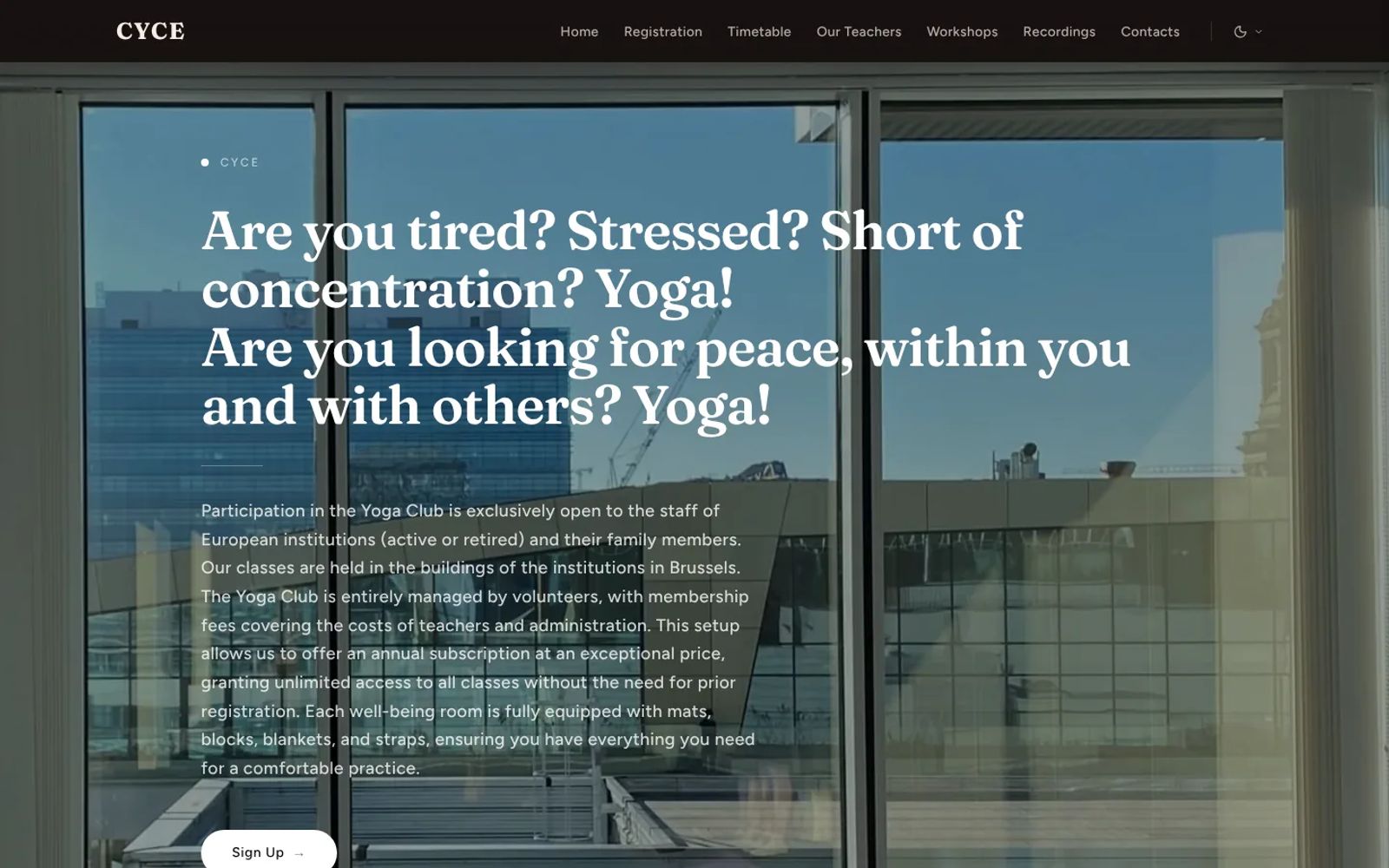
It was built with CYCE in mind, a yoga club in Brussels that publishes in English and French. Long-form rich text is next on the list.
Would you like your practice in more than one language? Request early access and tell us which ones.